



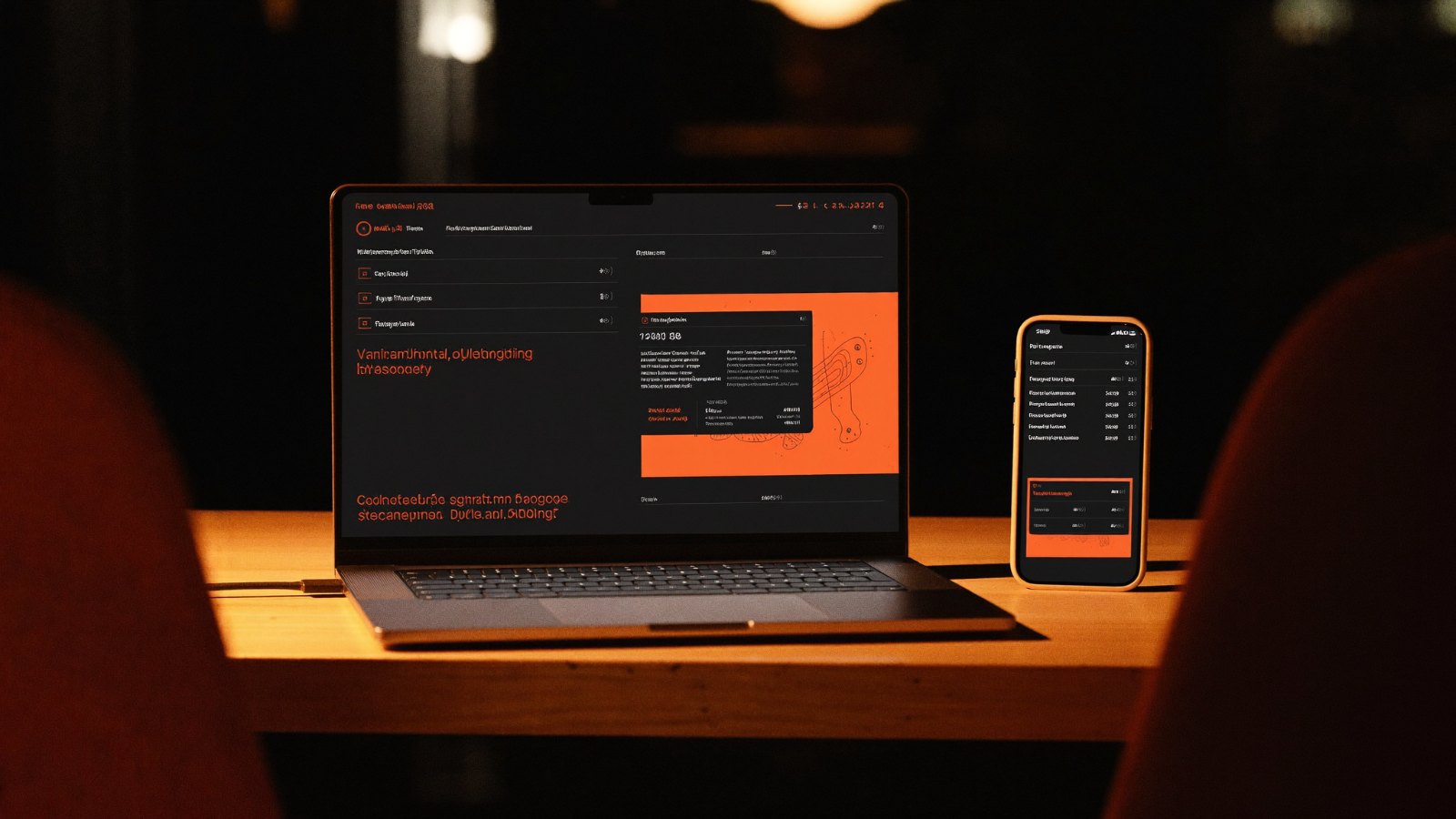
CapacitorMobileFrontend
Your website can be an app: a friendly guide to Capacitor

Picture this: you just finished your website in React or Next.js, you send the link to a friend, and the first reply is: "Nice! Where do I find it on Google Play?"
That's the moment every frontend developer knows. Do I learn Kotlin and Swift from scratch? Do I rewrite everything in React Native or Flutter? The good news is there's a much shorter road, and it's called Capacitor. In this article we'll walk through it together: what it is, how it works, and when it's actually the right choice for you.
Capacitor in one sentence
Capacitor is a free, open-source tool from the Ionic team. It takes the web app you wrote (HTML, CSS and JavaScript) and wraps it in a real native app for Android and iOS.
In other words: the code you already know, but the result is an app people install from the store, with an icon on their home screen, that can open the camera, send notifications and know its location.
You build a good website, and Capacitor turns it into an app and hands it the keys to the phone.
How does it work? No jargon
The whole idea rests on three pieces. Get these, and you get Capacitor:
Your web app: your code as is, running inside a WebView, a small browser built into the app.
The bridge: when your JavaScript asks the phone for something, like the camera, Capacitor translates that into native code and hands the result back as a perfectly normal Promise.
Real native projects: it generates an Android Studio project and an Xcode project. They're yours to open and tweak whenever you need.
Want to see how simple it is? This is all it takes to open the phone's real camera:
import { Camera, CameraResultType } from '@capacitor/camera';
const photo = await Camera.getPhoto({
quality: 90,
resultType: CameraResultType.Uri,
});
A few lines of JavaScript you already know, and not a single line of Kotlin or Swift.
Why web developers love it
One codebase, three platforms: web, Android and iOS from a single project, instead of three projects you struggle to keep in sync.
Start with what you know: your current frontend skills are enough to ship your first app.
Phone features, ready to use: camera, notifications, location, files, haptics and sharing, through official plugins you call like any library.
A place in the stores: your app ships to Google Play and the App Store like any other app.
No starting over: add it to your existing project without rewriting it.
From website to app in 4 steps
Grab your project, open a terminal, and let's go:
# 1) Install
npm i @capacitor/core
npm i -D @capacitor/cli
# 2) Init
npx cap init
# 3) Add platforms
npm i @capacitor/android @capacitor/ios
npx cap add android
npx cap add ios
# 4) Build, sync, open
npm run build
npx cap sync
npx cap open android
From now on, after every change to your web code you only need two commands: npm run build, then npx cap sync, and your app is up to date. Full details in the official workflow guide.
Is it right for your project?
Go for it if:
You have a website, dashboard or content app and want a mobile version fast.
Your team is a web team, and time or budget is limited.
Your app is mostly screens, forms and lists rather than heavy graphics.
Think twice if:
You're building a heavy game or an app full of complex animation. Flutter or fully native may fit better there.
Questions you're probably asking right now
Do I have to rewrite my project?
No. You add Capacitor to your existing project, and your code stays as it is.
Is it free?
Yes, Capacitor is open source and completely free.
Do I need a Mac?
Not for Android, it works fine on Windows. Building the iOS version does need a Mac with Xcode.
Small tips that save you hours
With Next.js, add output: 'export', because Capacitor serves static files and there's no server inside the app.
Design mobile-first, and mind the safe areas around the notch.
Test on a real phone early; it feels different from the browser.
Your weekend challenge
Pick a small project you have, even a simple to-do list, and follow the four steps above. It won't take more than one sitting, and seeing your website with a real icon on your phone's home screen feels completely different.
When it works, share a screenshot of your app with us. We'd love to see what you built.
Links to help you along
Capacitor documentation home
Getting started: add Capacitor to your project
The workflow: build, sync, open
Official APIs and plugins
Example: the Camera plugin
Android guide · iOS guide
Writing your own plugin
0 comments