



NetworkingBackendDNS
What happens when you type syreus.sy and press Enter?

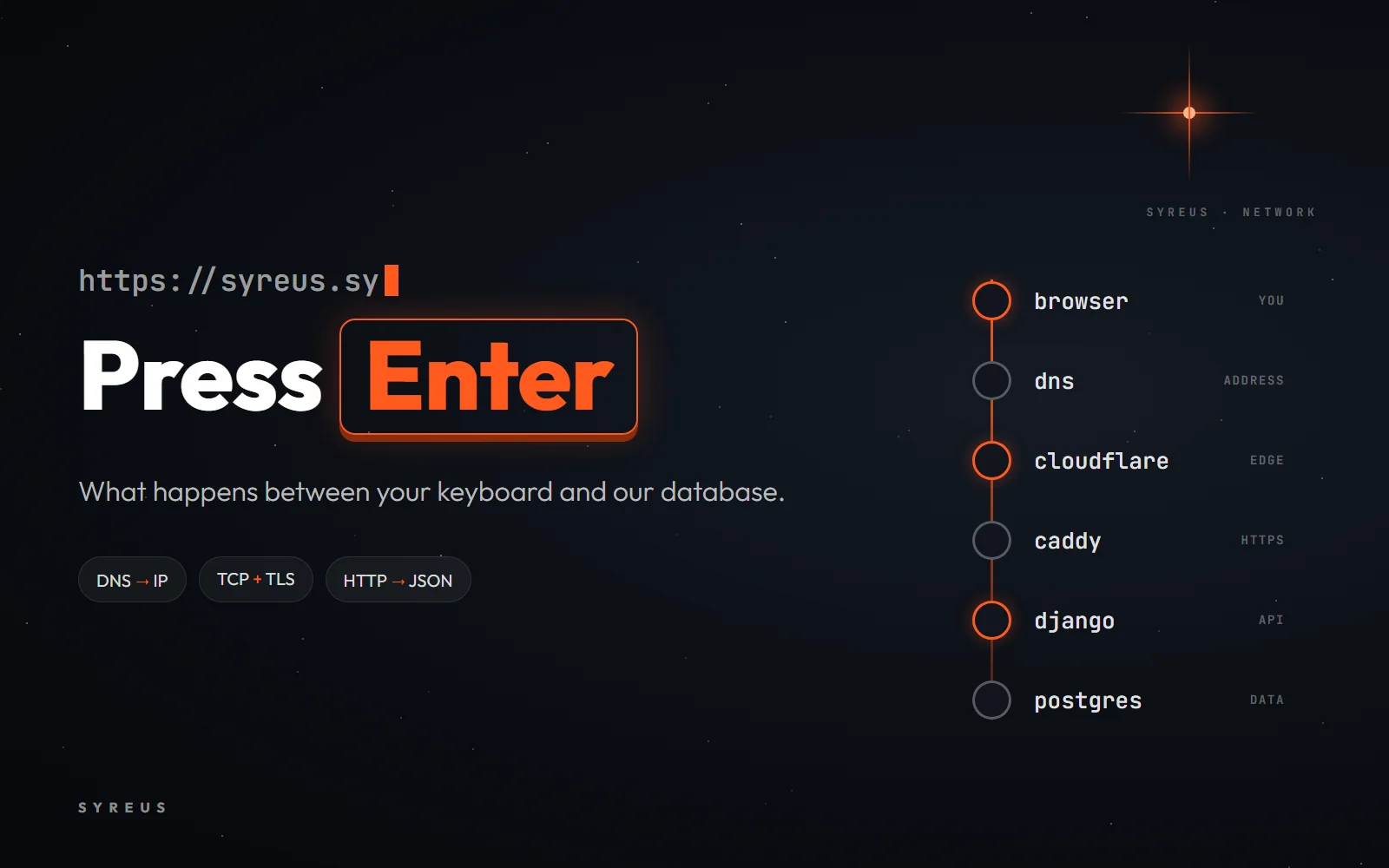
You type syreus.sy, press Enter, and a moment later the platform appears. It looks simple, but in that moment your request passes through many stops: it looks up an address, shakes hands with a server that may be on another continent, agrees on a secret key with it, then comes back with the page.
It's one of the most famous job interview questions, and the best way to understand it is to follow a real request. So let's follow yours, on our own platform.
1. Finding the address: DNS
Machines on the internet don't work with names, they work with numbers: every server has an IP address like 172.67.198.29. DNS is the internet's phone book. You give it a name and it gives you the number.
Your browser first checks its own memory, then the operating system's. If neither knows the answer, it sends the question to a DNS server called a resolver, run by your internet provider or by a service like 1.1.1.1. The resolver asks, in order:
The root servers: "I don't know syreus.sy, but ask whoever runs .sy."
The .sy server: "syreus.sy is run by Cloudflare, so ask its servers."
Cloudflare's servers: "Here's the address."
Everyone then keeps the answer for a set time called the TTL, which is why your next visit is much faster.
2. The handshake: TCP
The browser knows the address, and now it has to open a connection. TCP starts with a three-message handshake, a bit like the start of a phone call:
SYN: "Hi, can you hear me?"
SYN-ACK: "I hear you. Can you hear me?"
ACK: "I hear you. Let's start."
The connection goes to port 443, the door every server keeps for HTTPS.
3. The padlock: HTTPS and TLS
Before the browser sends anything, it must be sure of two things: that it's really talking to syreus.sy and not an impostor, and that nobody along the way can read the conversation. That's the job of TLS:
The server sends a certificate, signed by a trusted authority, proving it is syreus.sy.
The browser checks the certificate, then both sides agree on a fresh secret key for this session only.
From then on, everything between them is encrypted. That's the padlock you see next to the address.
4. The first request, and the first redirect
Finally the browser sends an HTTP request: GET /. The fun part is that the first answer isn't a page but a redirect: the server replies with code 308, meaning "the right address is www.syreus.sy", and then a second redirect sends you to your language page. The browser follows both without you noticing.
Who answers these requests? Not a single server. Your request first reaches Cloudflare, a network with data centers in many cities around the world, so it goes to the one nearest you. Cloudflare protects and speeds up the site, then passes the request to Vercel, the platform that hosts the SYREUS frontend built with Next.js. Back comes the page: HTML, CSS and JavaScript.
5. A second trip: your data
The page that arrived is a nice frame, but it knows nothing about you: not your roadmaps, your progress or your points. When you open the app at app.syreus.sy, its JavaScript sends new requests to our server at api.syreus.sy, like:
GET https://api.syreus.sy/api/v1/roadmaps/
That's a new name, so the trip repeats: DNS, then TCP, then TLS. But this time, after Cloudflare, the request reaches our own server and passes through the services from our Docker article:
Caddy: the gateway that receives the request and passes it inside.
Django: reads the request, checks who you are and decides what to send back.
PostgreSQL: the database that stores the roadmaps, the lessons and your progress in them.
Django puts the answer together as JSON and sends it back the same way, all the way to your browser.
6. Painting the screen
Now the browser has every piece: HTML says what's on the page, CSS says how it looks, and JavaScript puts your data in place. The browser builds the page and paints it, and the platform appears. All of that happened in a moment.
Try it yourself
Open your terminal and ask DNS for our address:
nslookup syreus.sy
Then watch the first redirect yourself. You'll find the line location: https://www.syreus.sy/ in the reply:
curl -I https://syreus.sy
And to see how long each stop takes from your own machine:
curl -o /dev/null -s -w "dns: %{time_namelookup}\ntcp: %{time_connect}\ntls: %{time_appconnect}\ntotal: %{time_total}\n" https://api.syreus.sy/api/v1/health/
On Windows, type curl.exe instead of curl. Finally, open the app, press F12, choose the Network tab and reload the page: you'll see every request that goes to api.syreus.sy and how long it took.
Every stop on this trip is a whole world of its own. If you want to understand them properly, start the Computer Networking roadmap on the platform, where you build a complete network step by step, from the first device all the way to the cloud.
0 comments